
The Mac cleaner that speaks Xcode, npm and Gradle.
Most cleaners treat a 30 GB DerivedData folder as an anonymous blob. This one knows what made it, whether it’s safe to remove, and the command that brings it back.
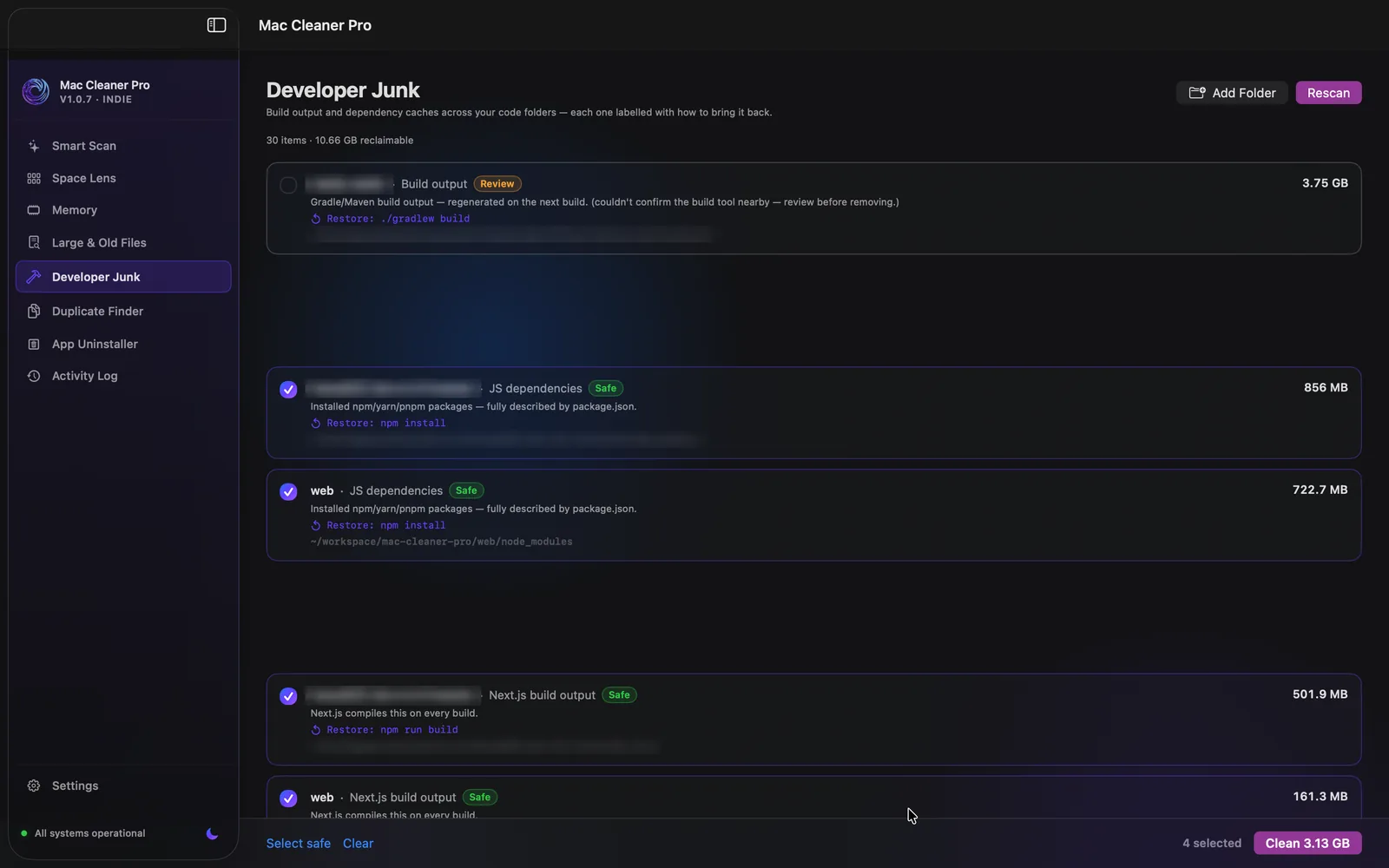
It checks the tool is still there
An artefact is only provably safe to delete if whatever produced it can produce it again. So before a folder is offered as safe, the scanner looks for the manifest beside it:
| Folder | Confirmed by | Restore with |
|---|---|---|
node_modules | package.json | npm install |
target | Cargo.toml | cargo build |
Pods | Podfile | pod install |
build | build.gradle / pom.xml | ./gradlew build |
.dart_tool | pubspec.yaml | flutter pub get |
.next | package.json | npm run build |
21 folder types are detected in total. Eleven require a confirming manifest like the above; the rest — .gradle, __pycache__, .pytest_cache, .ruff_cache and friends — are pure toolchain caches with no project context. venv, .venv and .tox are always flagged review-recommended, never auto-selected, because a virtualenv can hold things a lockfile doesn’t describe.
It only walks where you point it
Scanning starts from your own code directories, and /System/, /Library/, /Applications/ and ~/Library/ are never descended into. Symlinks aren’t followed. Matches aren’t recursed into, so a monorepo is walked once rather than once per node_modules.
And everything routes through the same trash-first deletion path as the rest of the app — nothing is rm -rf’d, and you have 30 days to undo. How deletion works →